1 / 6
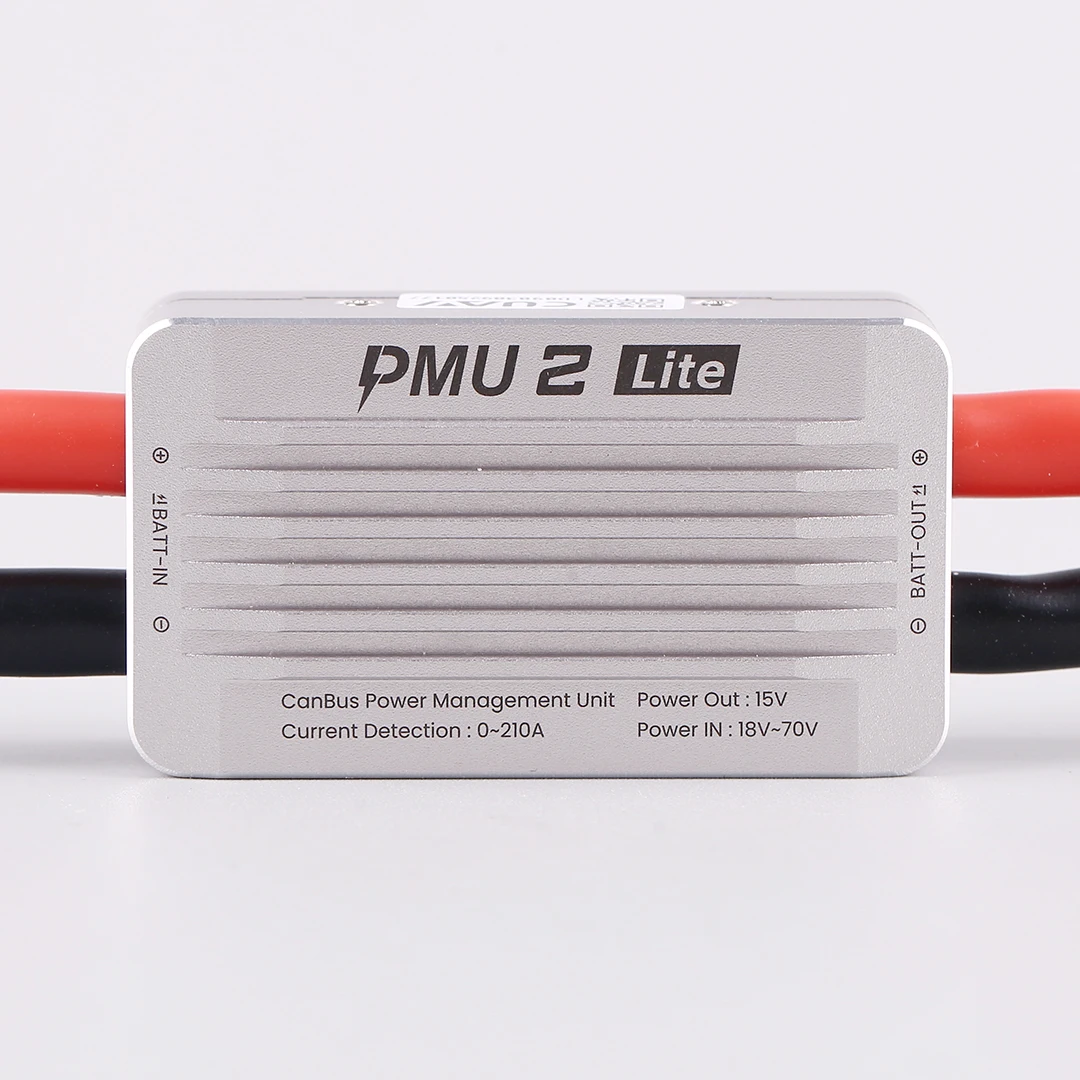
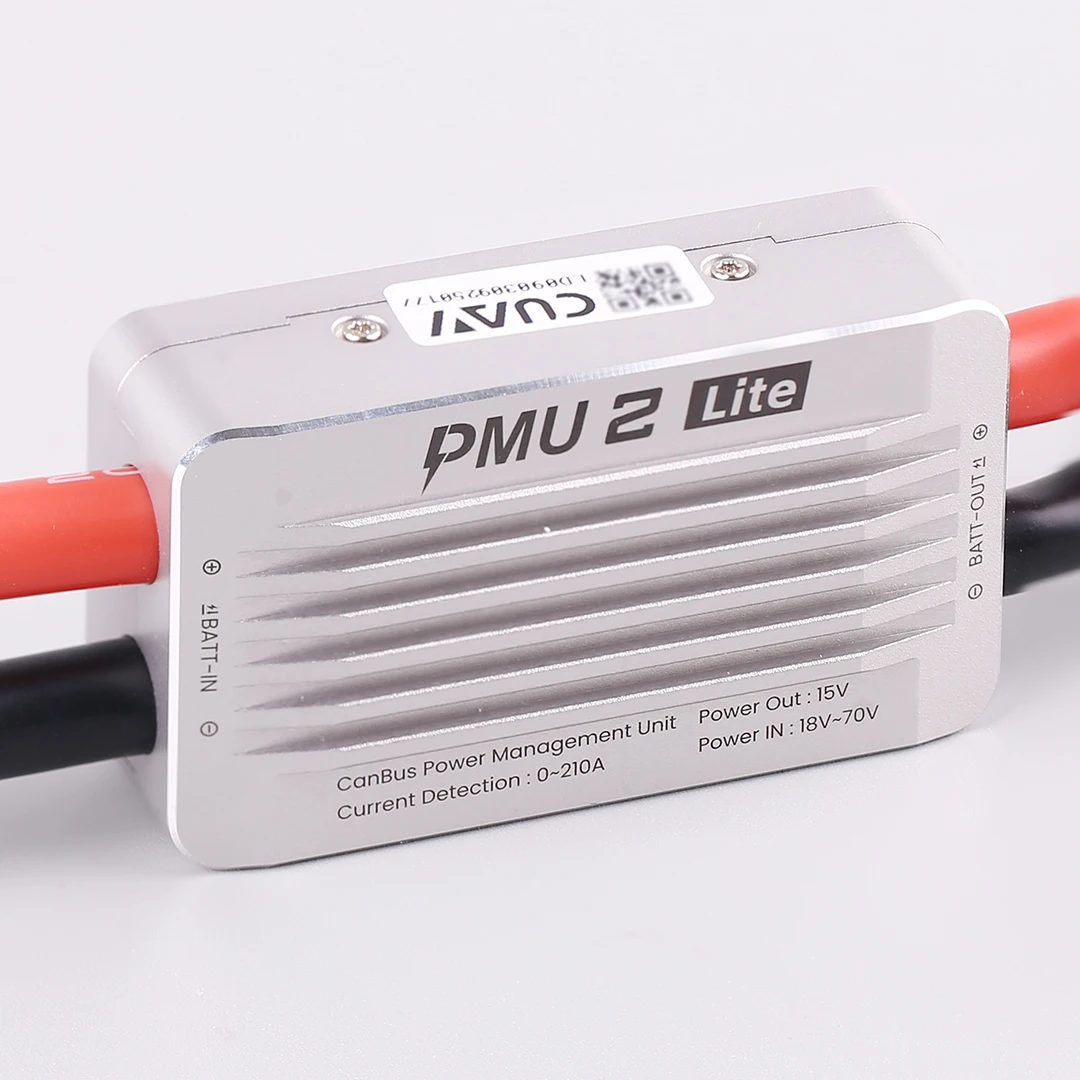
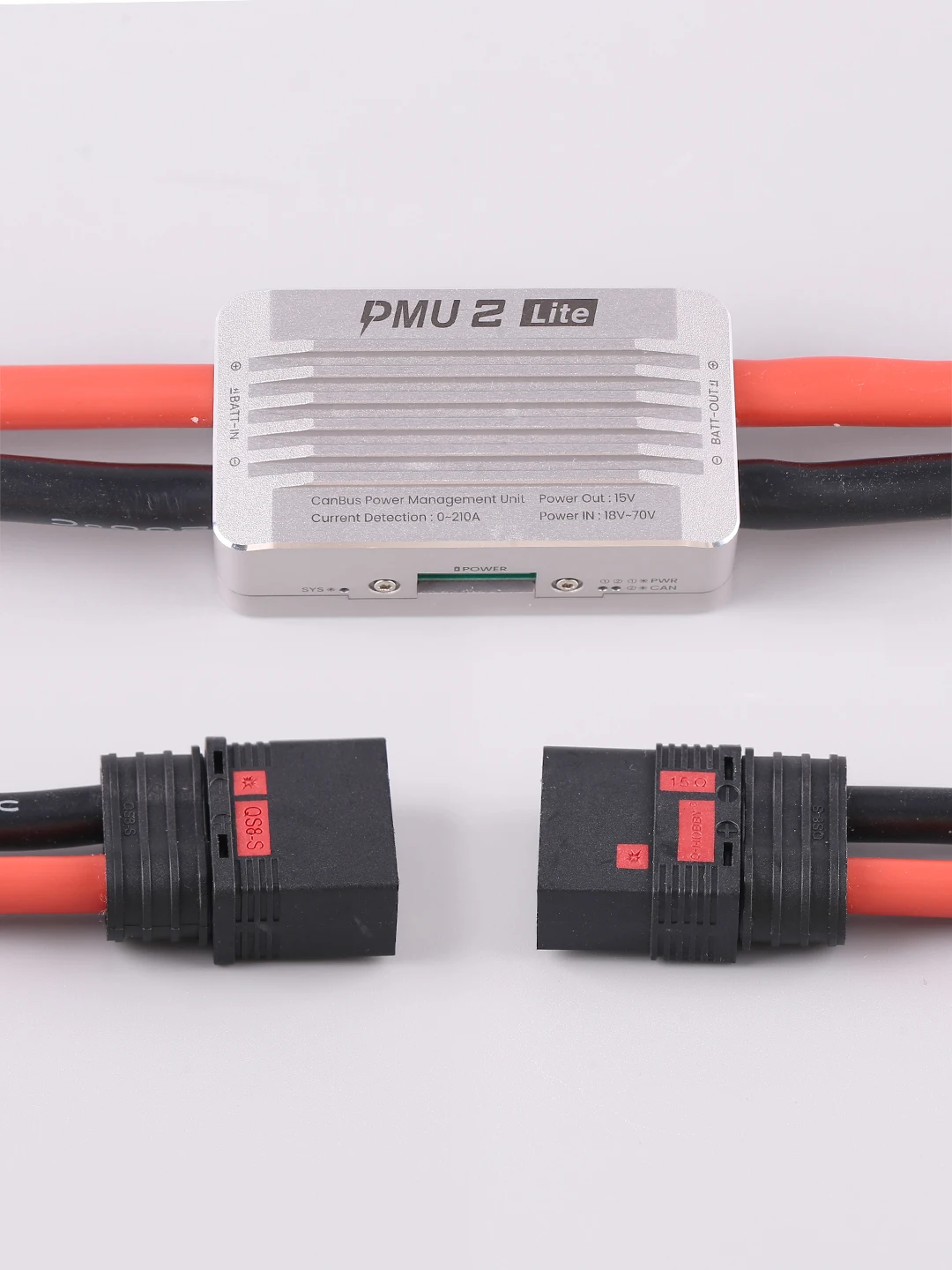
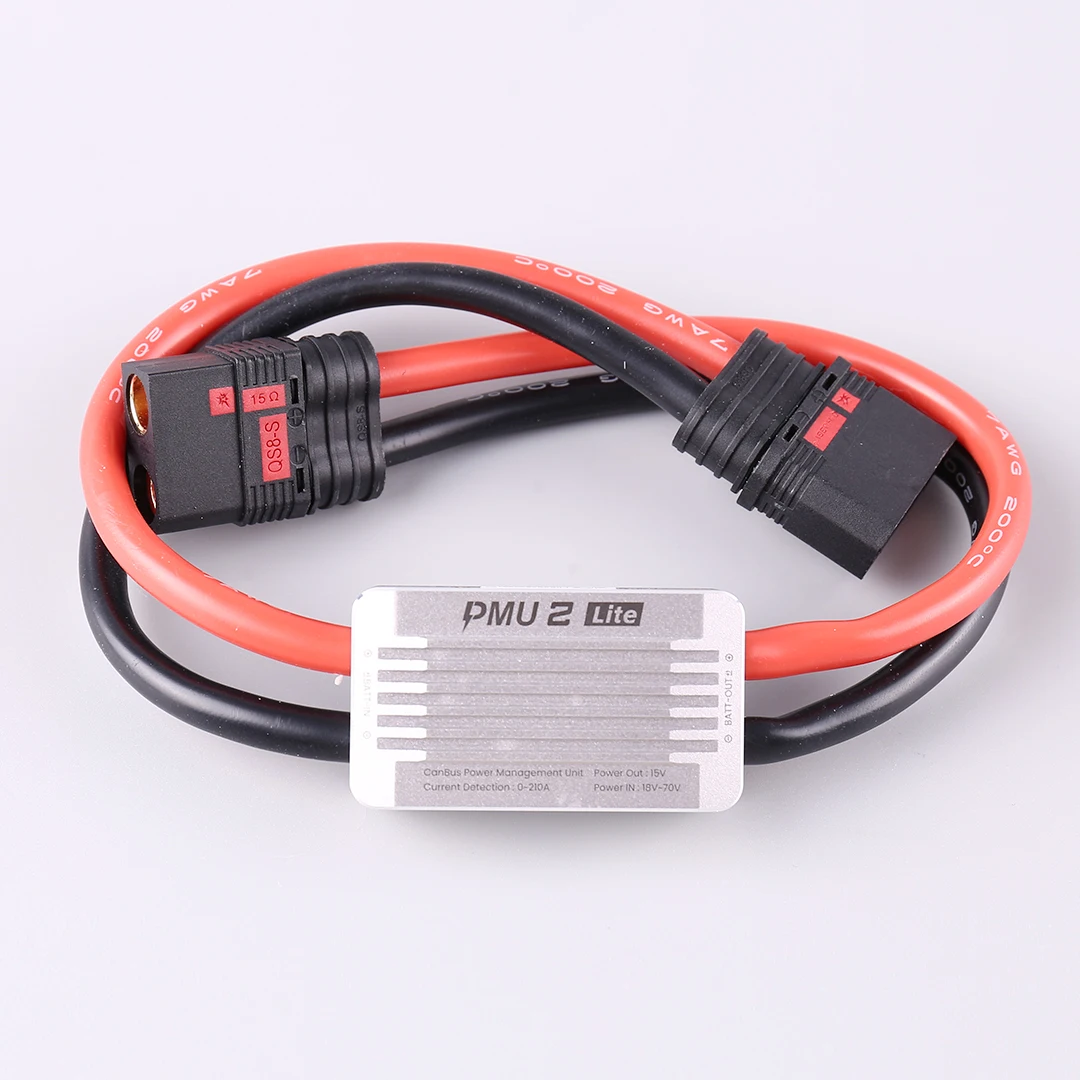
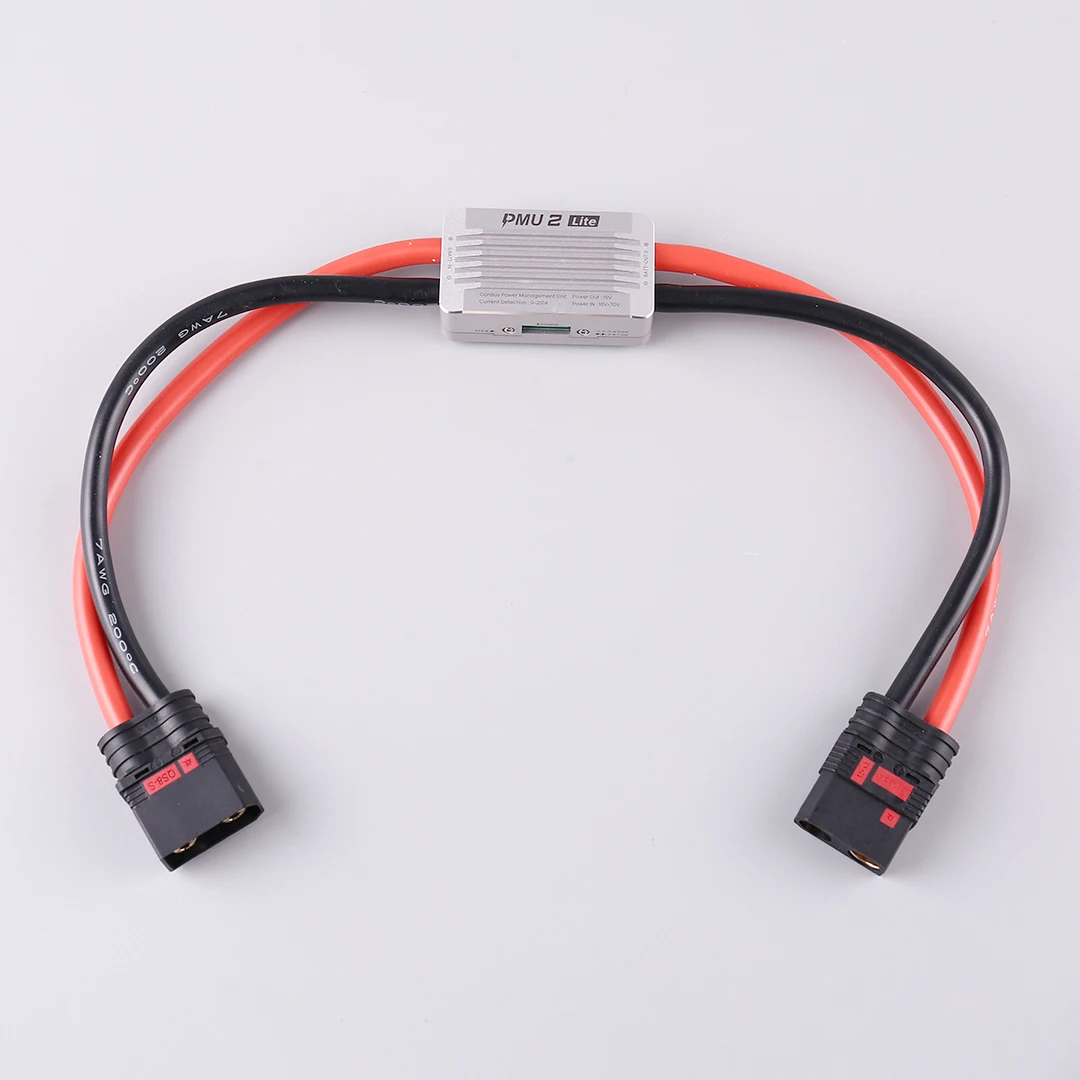
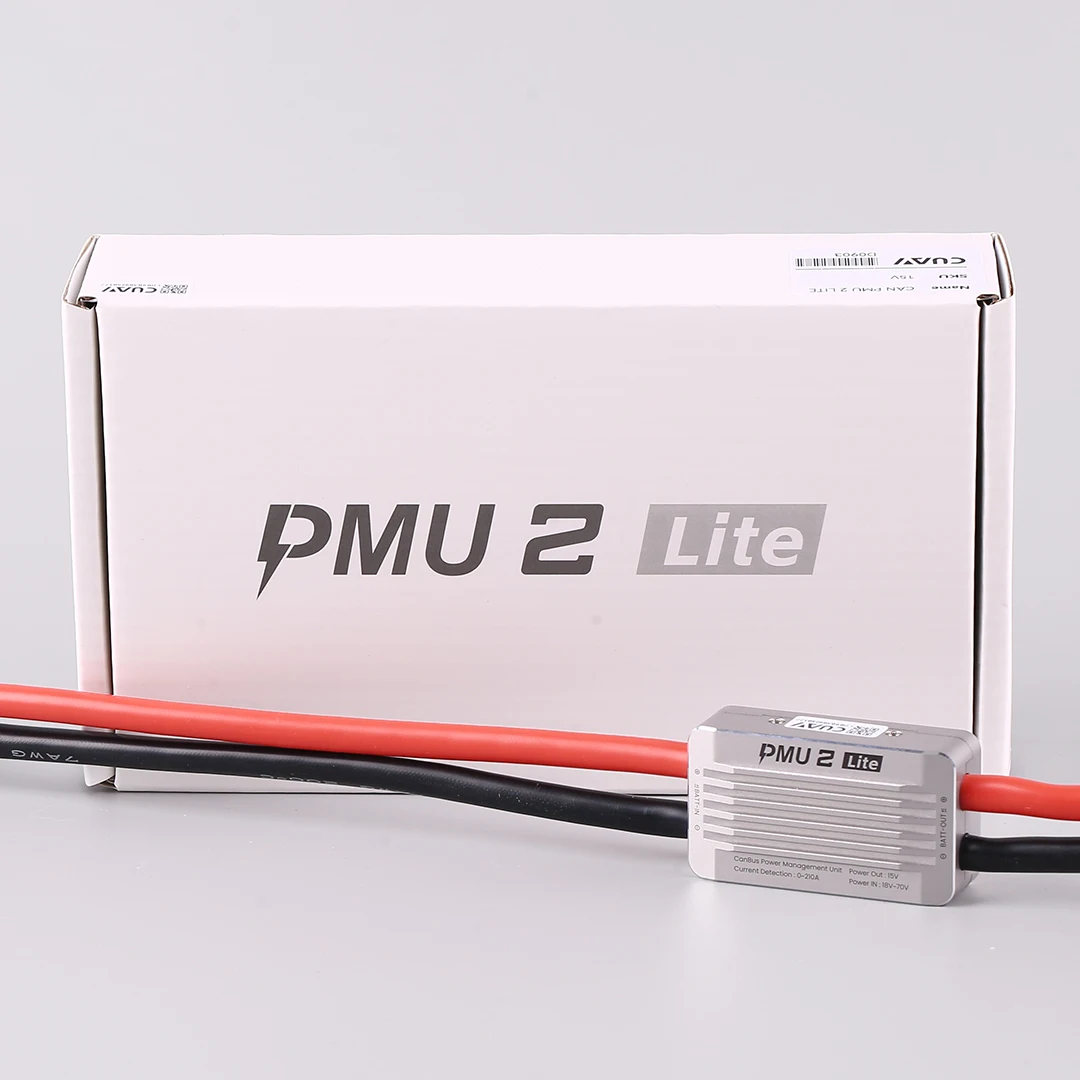
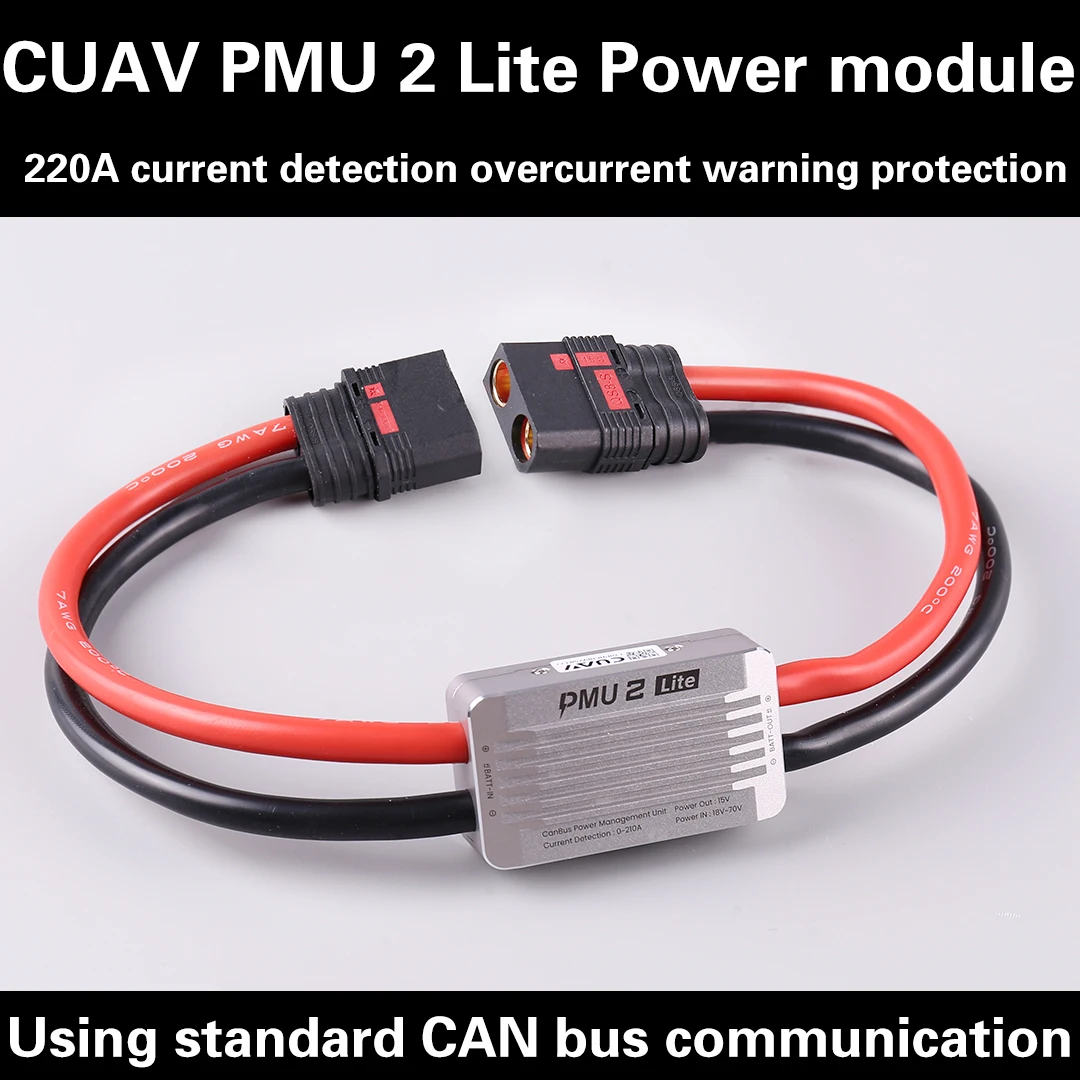
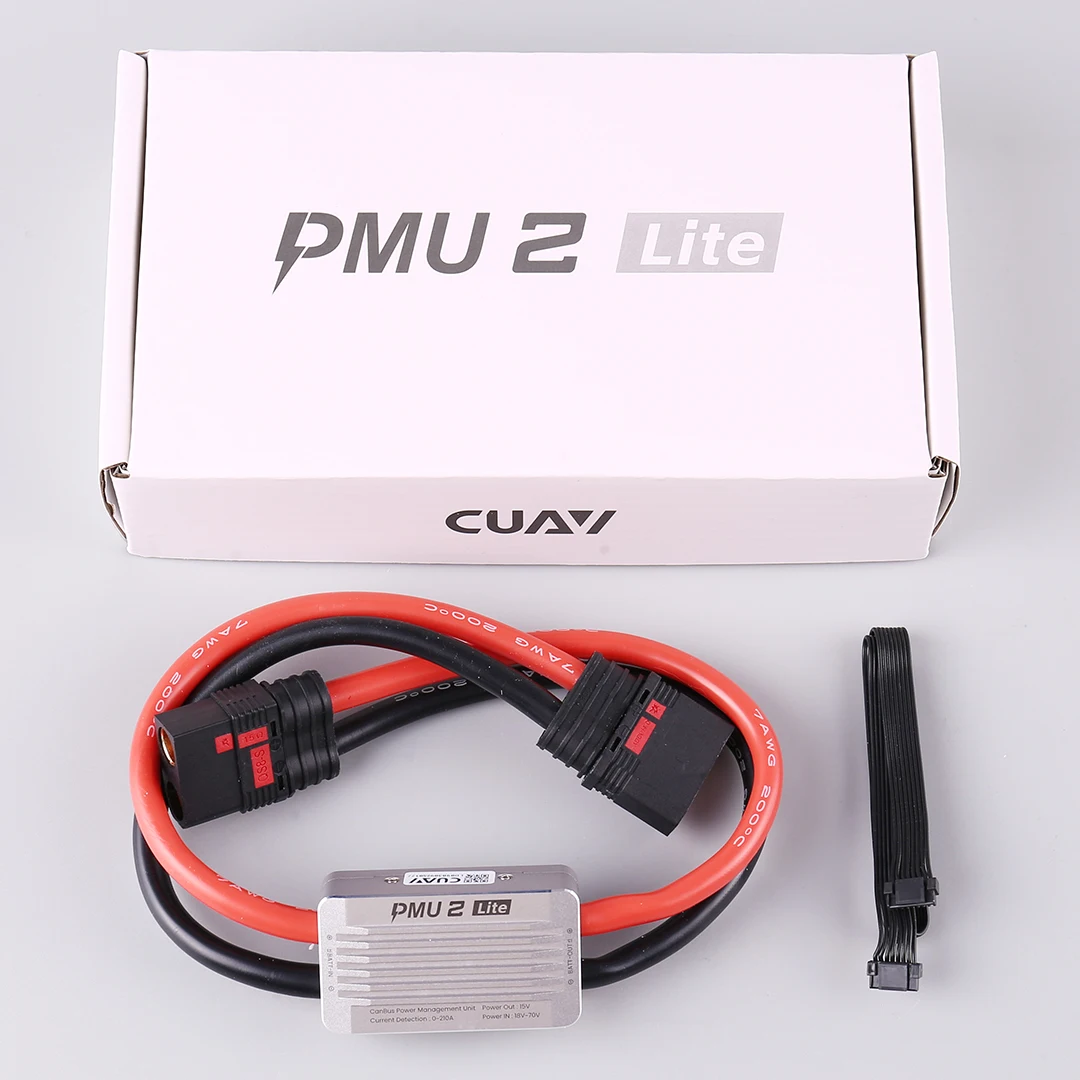
Новый продукт CUAV PMU 2 Lite Модуль питания 15V5V Диверсифицированный источник питания оборудования 220APX4 APM
From US $117.88
Est. US $117.88 / unit (1-9 pcs)
$109 @ 10+ pcs$103 @ 100+ pcs
Description
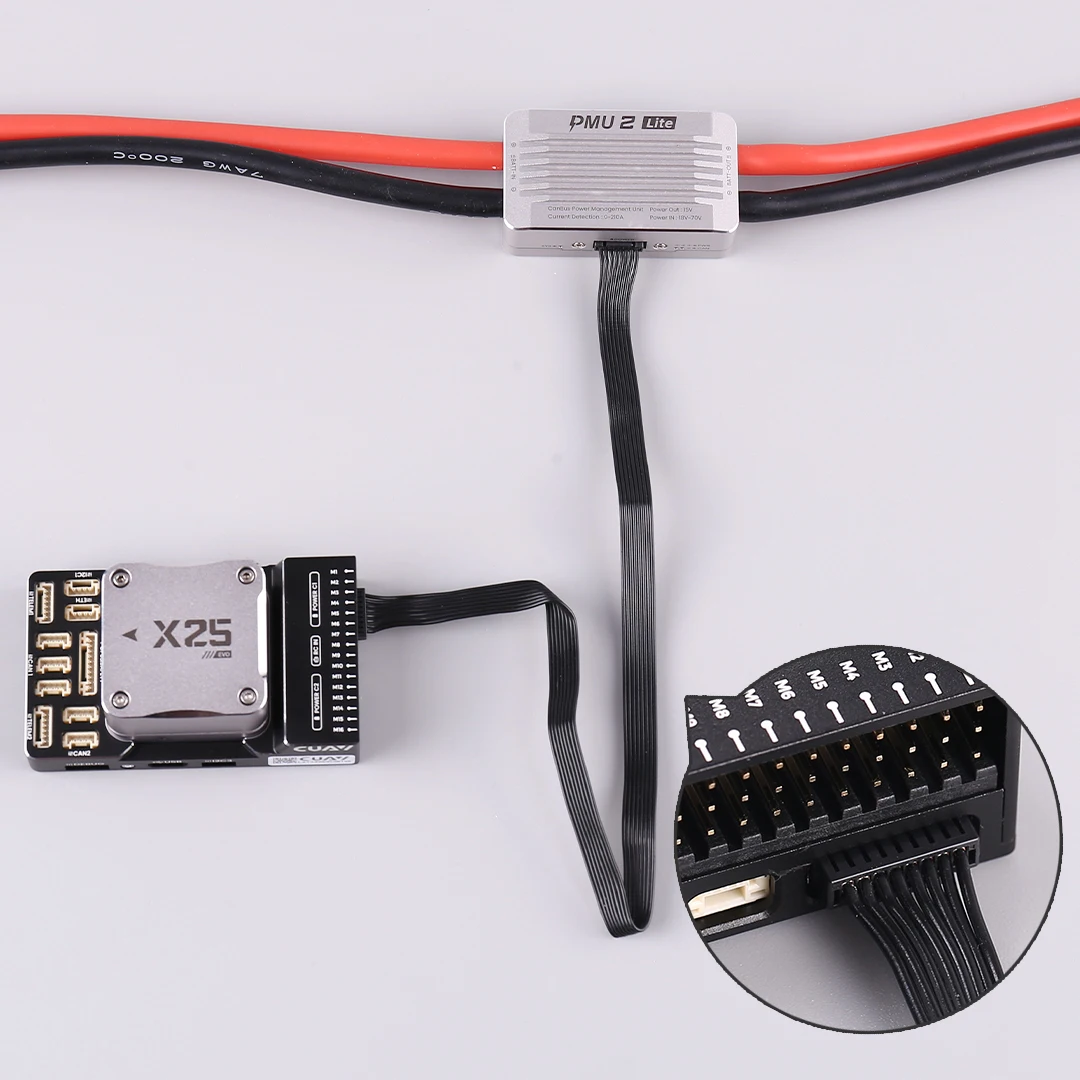
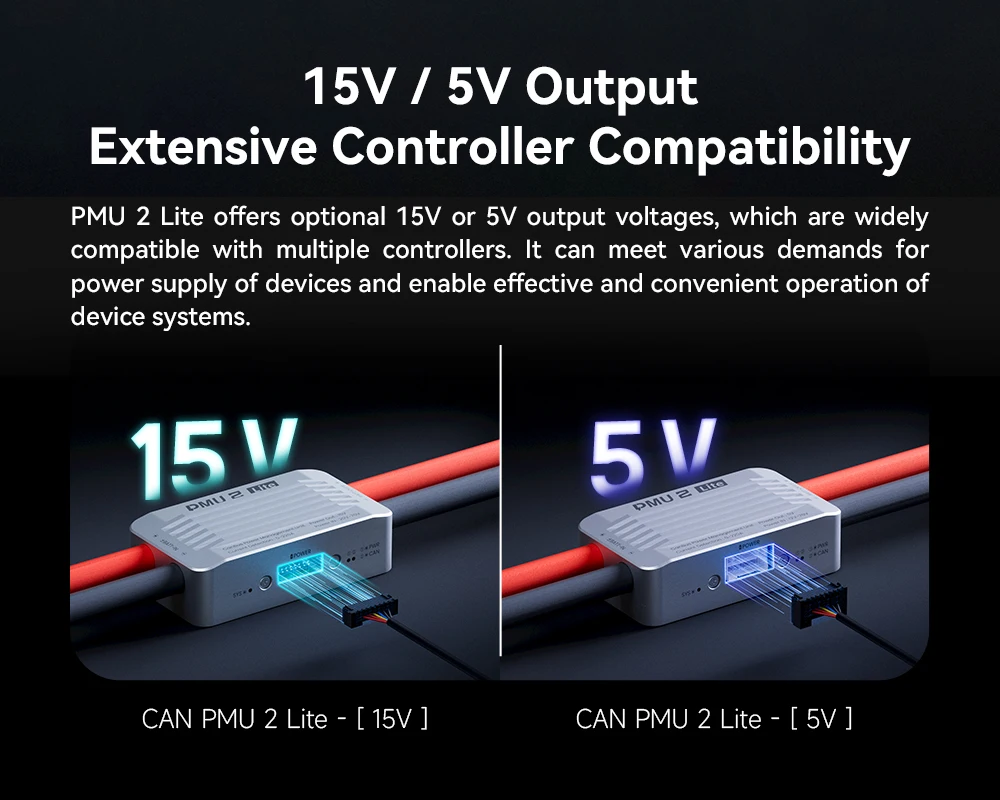
The 15V version connects to X25 EVO
X25 EVO with PMU 2Lite setting enabled by default, no parameter configuration required, plug and play.
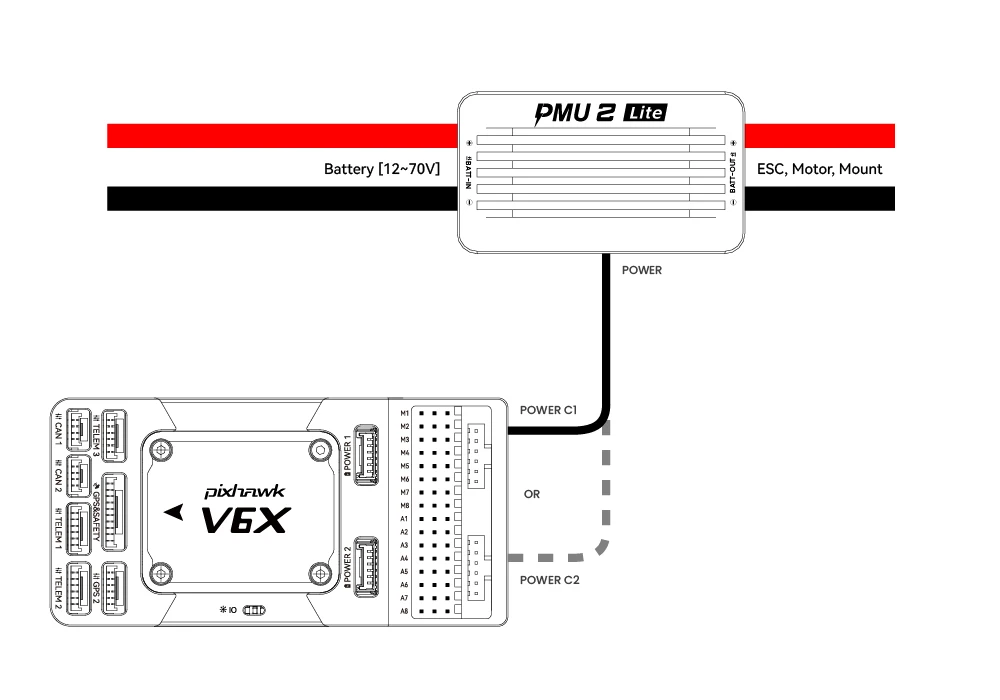
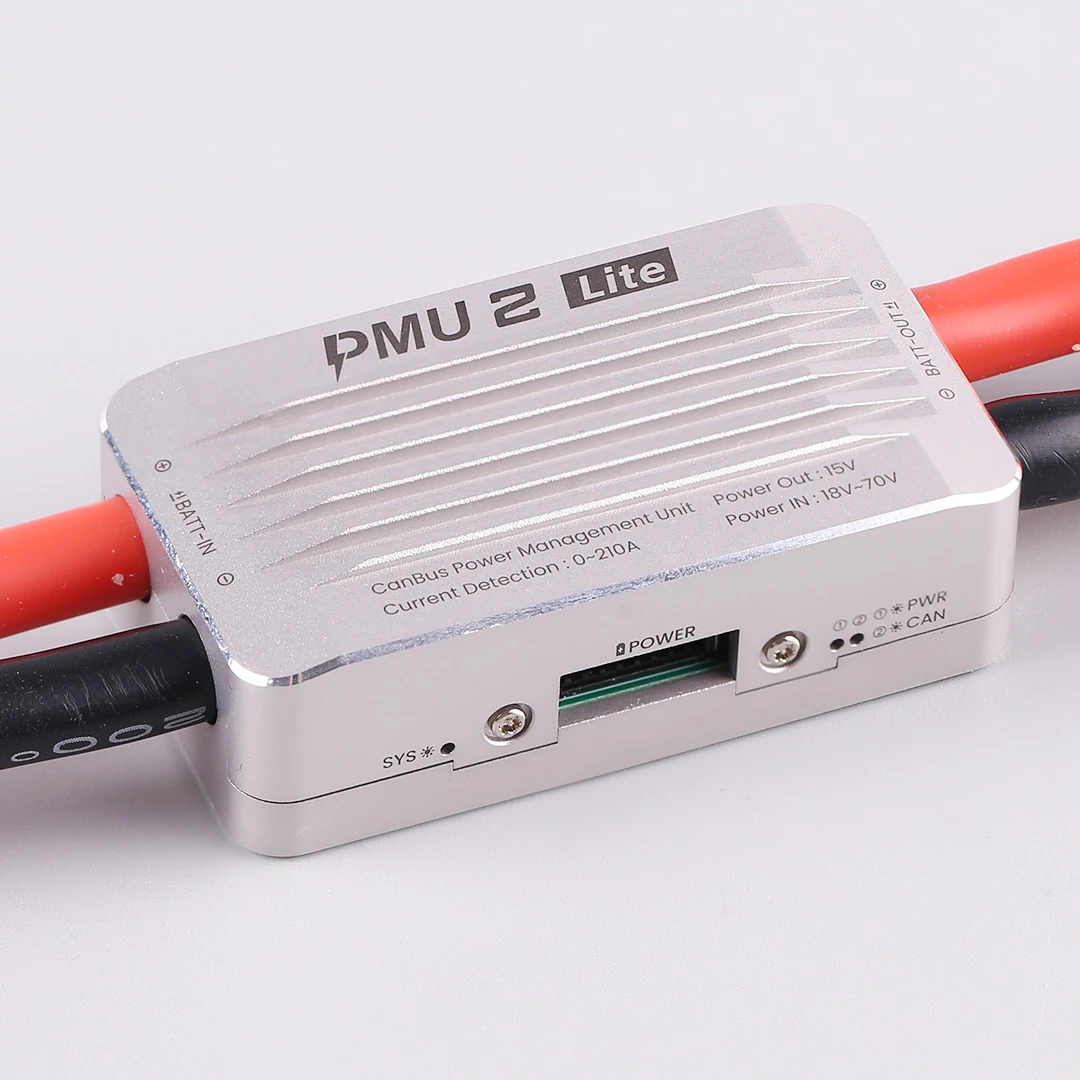
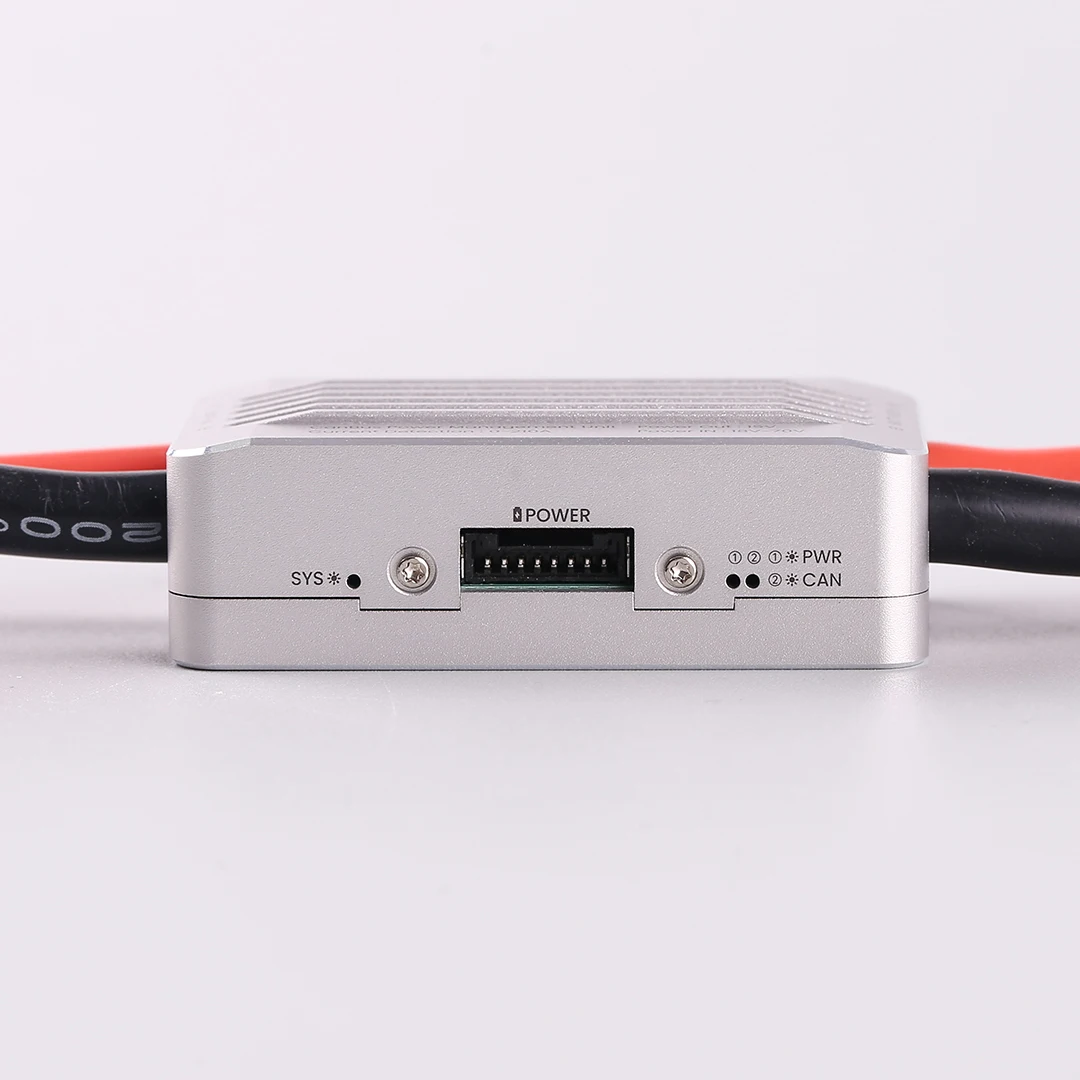
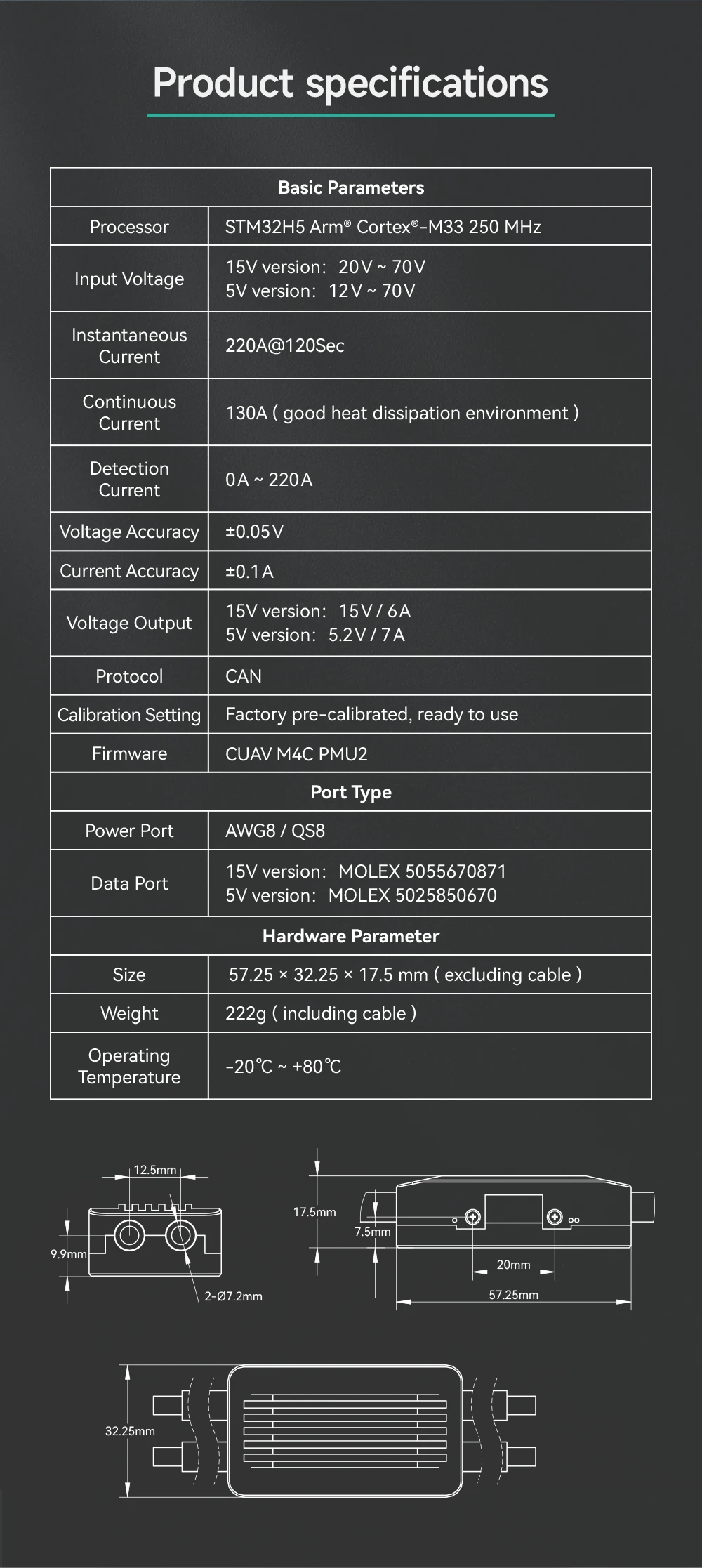
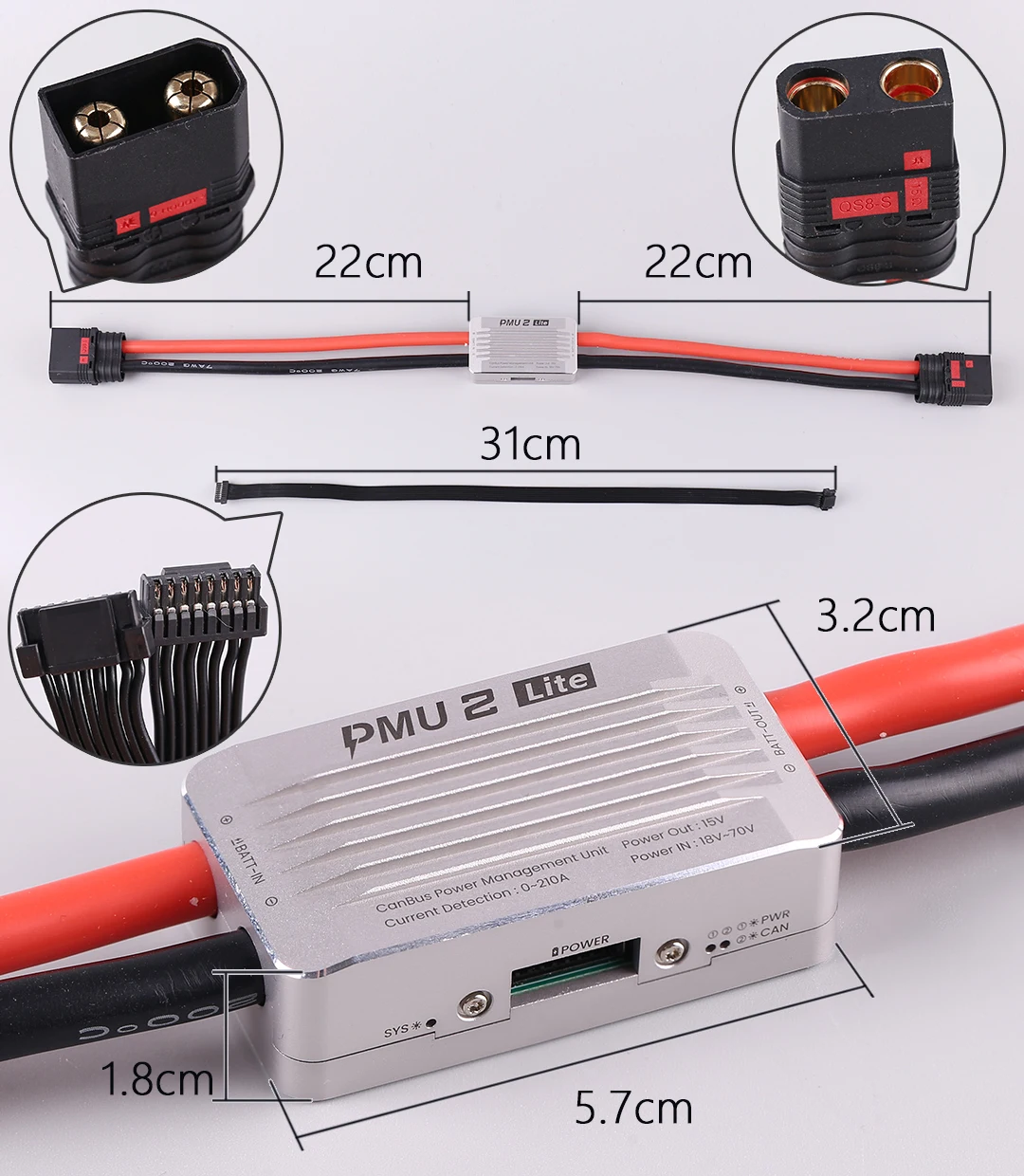
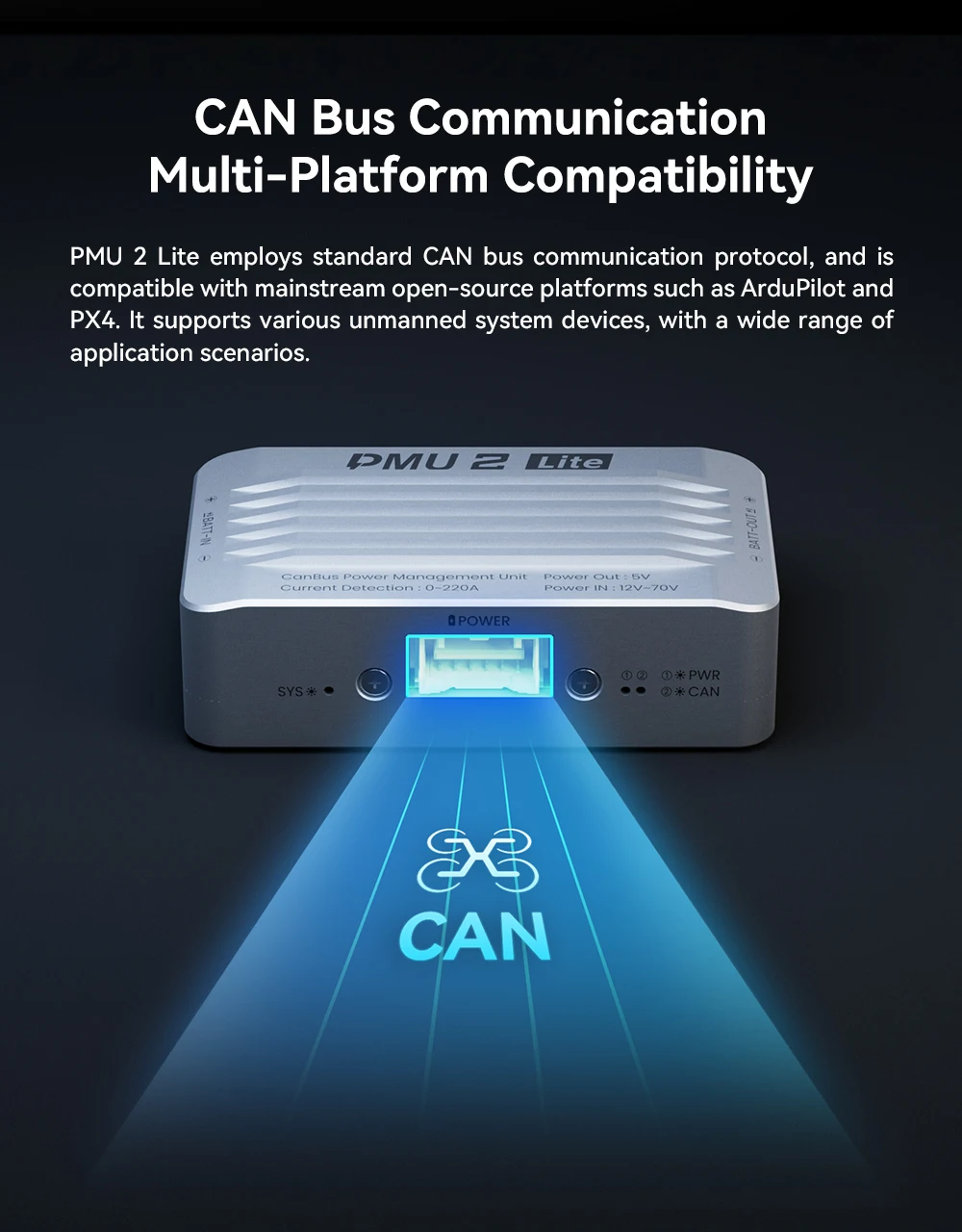
For other controllers: Connect the CANH and CANL of the CAN bus to the CAN interface, insert the red and black power lines into the VCC/GND pins of the Power port, and configure the power module graphically through the LGC ground station.
Вариант
Выбранная ценаUSD 117.88
Specifications
| Option | Values |
|---|---|
| High-concerned chemical |
|
| Is Electric |
|
| Quantity |
|
| Is it battery/power supply |
|
| Is it charger/adapter |
|
| Is Batteries Included |
|
| Size |
|
| Model Number |
|
| For Vehicle Type |
|
| Tool Supplies |
|
| Four-wheel Drive Attributes |
|
| Remote Control Peripherals/Devices |
|
| Upgrade Parts/Accessories |
|
| RC Parts & Accs |
|
| Material |
|
| Brand Name |
|
| Origin |
|
| Recommend Age |
|
| Use |
|
| Attribute | Value |
|---|---|
| High-concerned chemical | None |
| Is Electric | No Battery |
| Quantity | 1 pcs |
| Is it battery/power supply | N |
| Is it charger/adapter | N |
| Is Batteries Included | No |
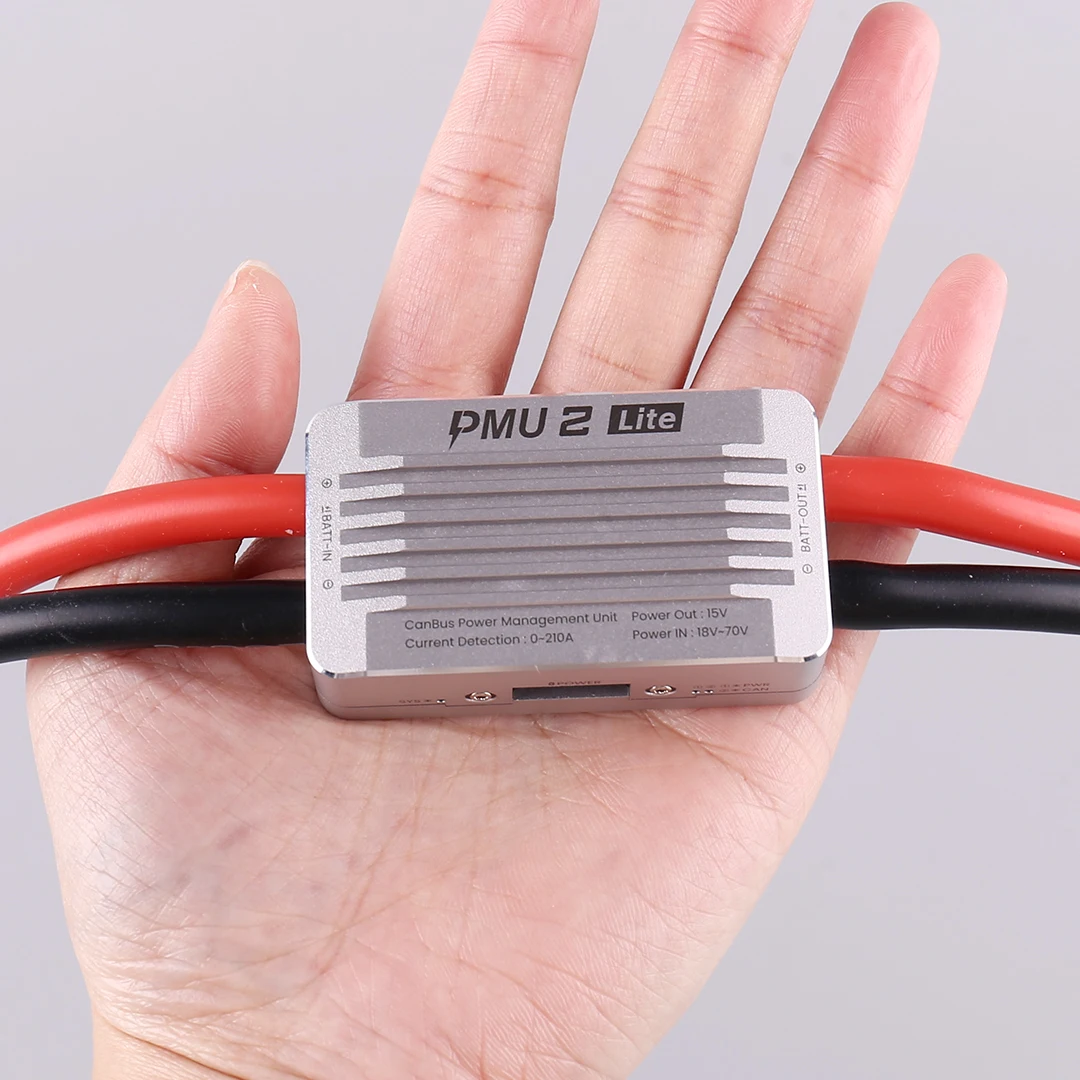
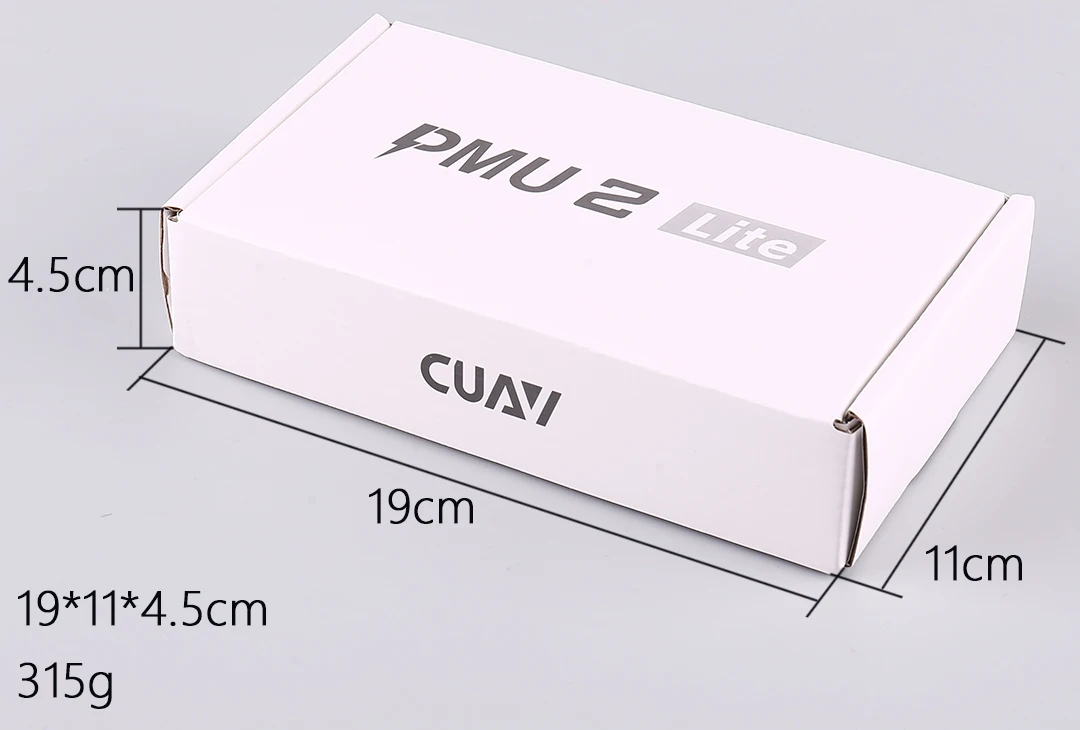
| Size | 19*11*4.5cm |
| Model Number | PMU 2 Lite |
| For Vehicle Type | Airplanes |
| Tool Supplies | Assembled class |
| Four-wheel Drive Attributes | Assemblage |
| Remote Control Peripherals/Devices | Starter |
| Upgrade Parts/Accessories | power module |
| RC Parts & Accs | power module |
| Material | Composite Material |
| Brand Name | Mayatech |
| Origin | Mainland China |
| Recommend Age | 14+y |
| Use | Vehicles & Remote Control Toys |
Product Details
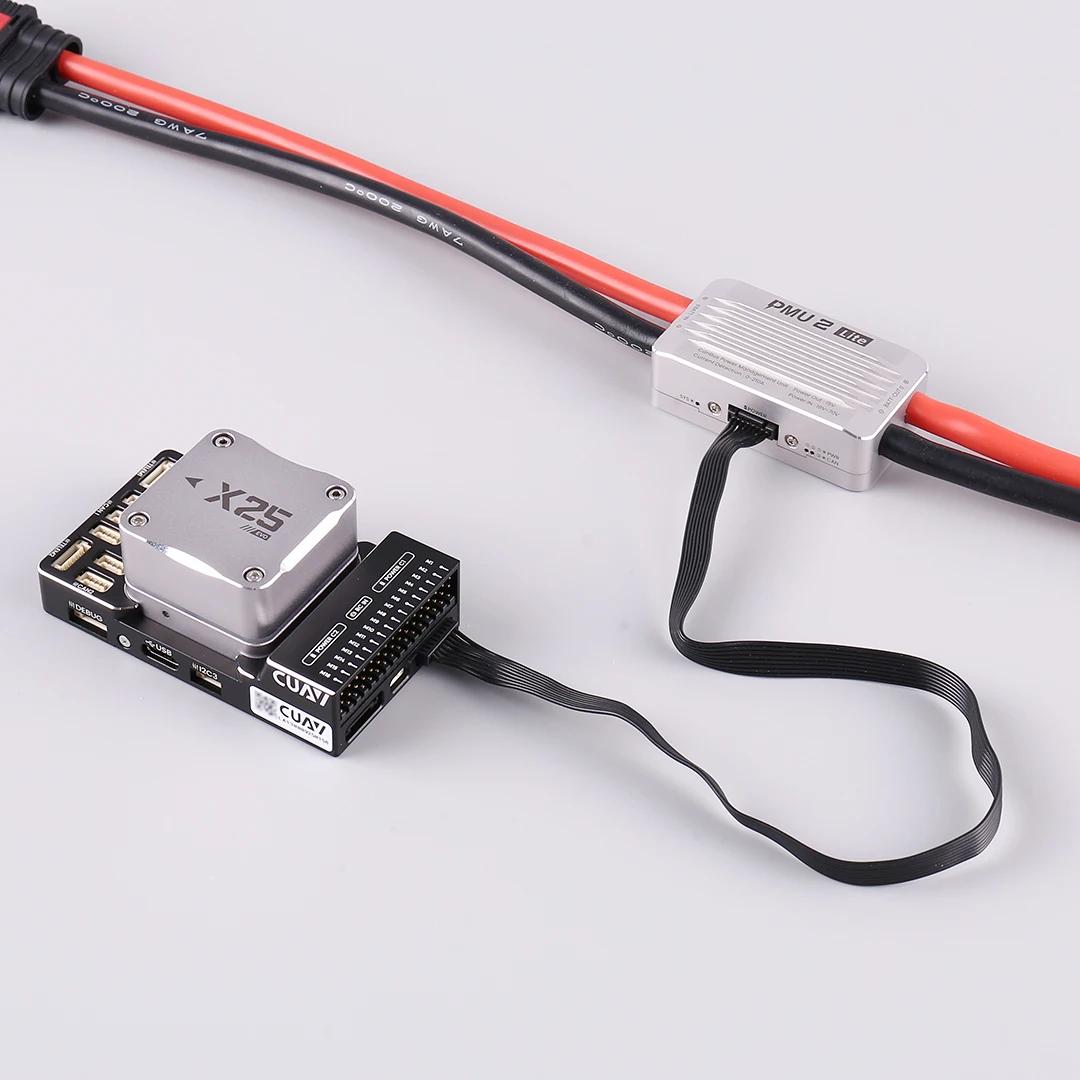

 The 15V version connects to X25 EVO
X25 EVO with PMU 2Lite setting enabled by default, no parameter configuration required, plug and play.
For other controllers: Connect the CANH and CANL of the CAN bus to the CAN interface, insert the red and black power lines into the VCC/GND pins of the Power port, and configure the power module graphically through the LGC ground station.