NEW2026 очки BETAFPV VR04 FPV очки аналоговая версия для дрона Aquila20 FPV
9139 orders (reference)
Description
BETAFPV FPV glasses with 5.8 simulated image transmission through racing flight video glasses VRO4 DVR version
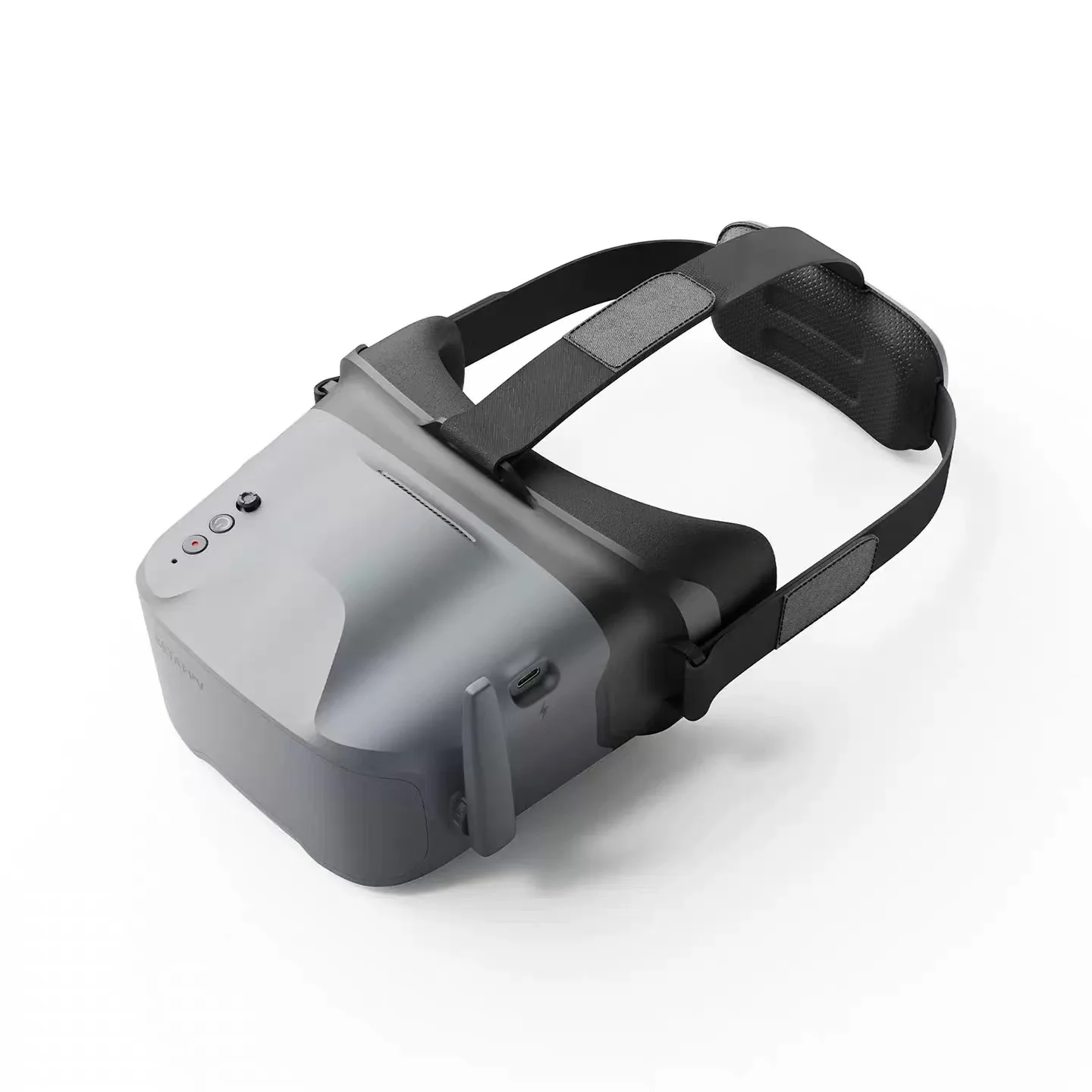
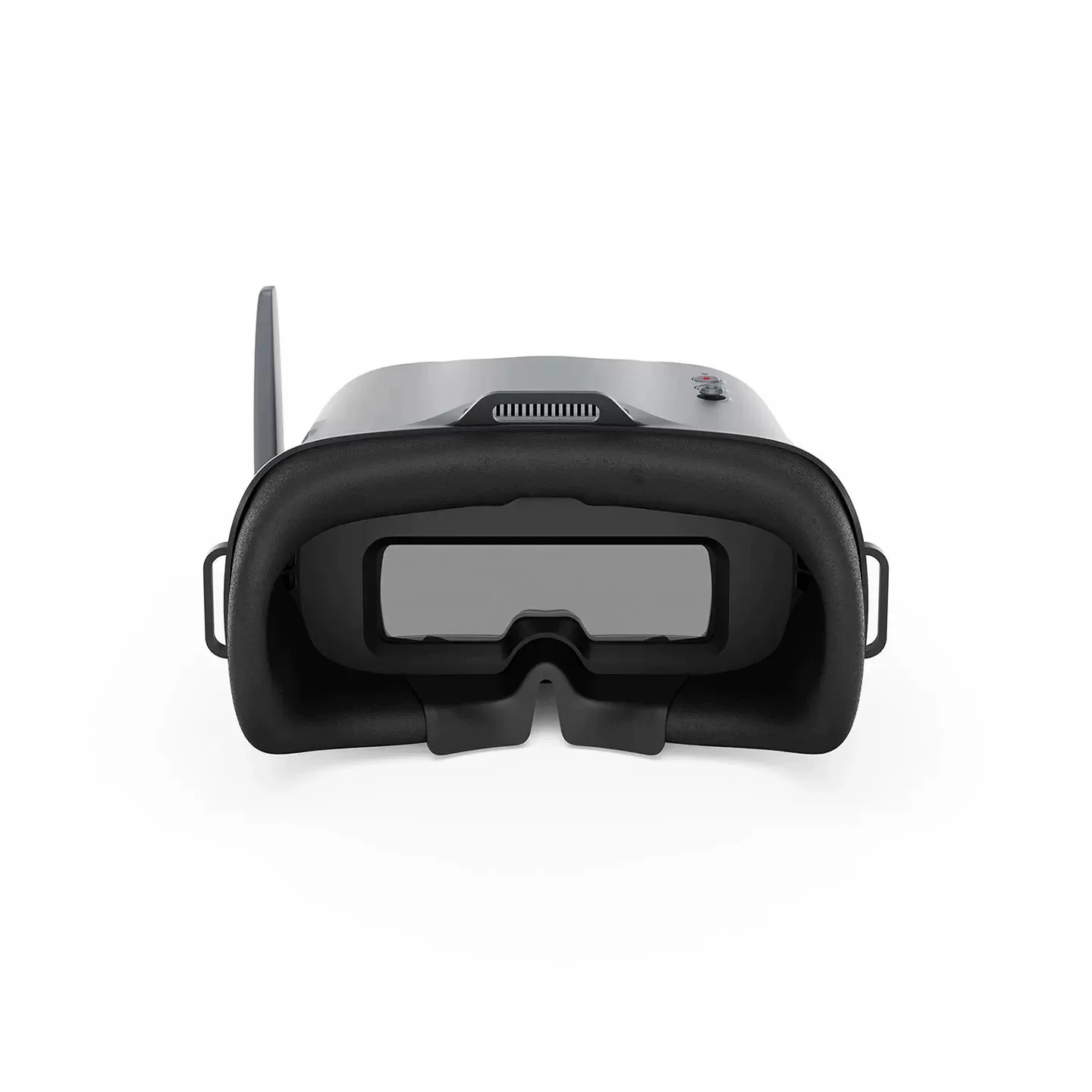
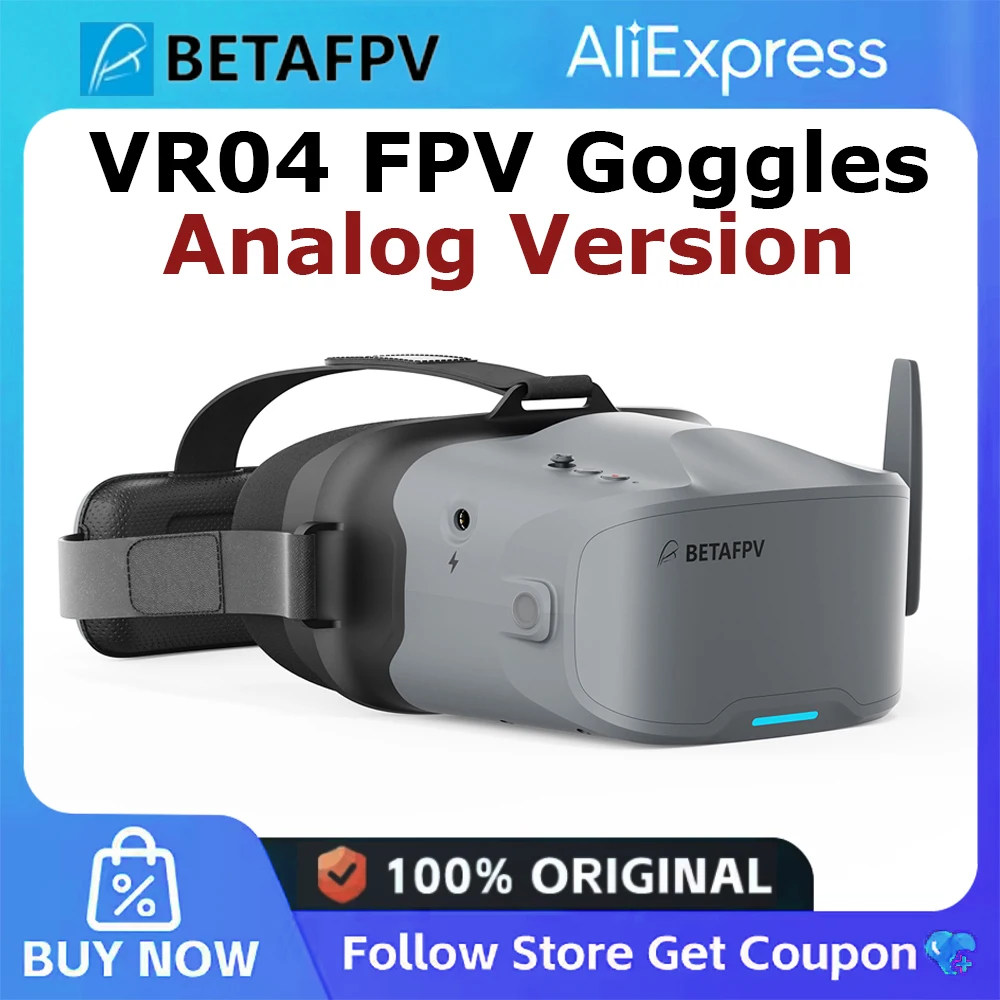
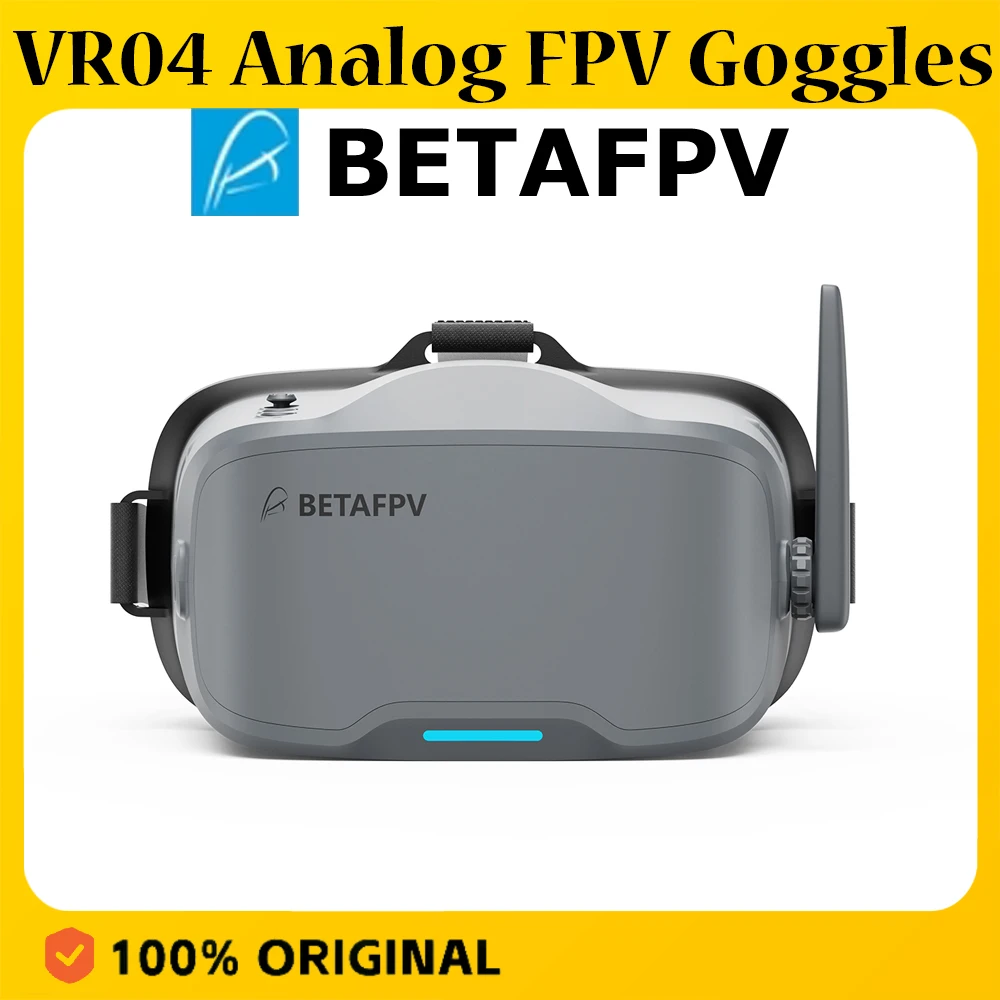
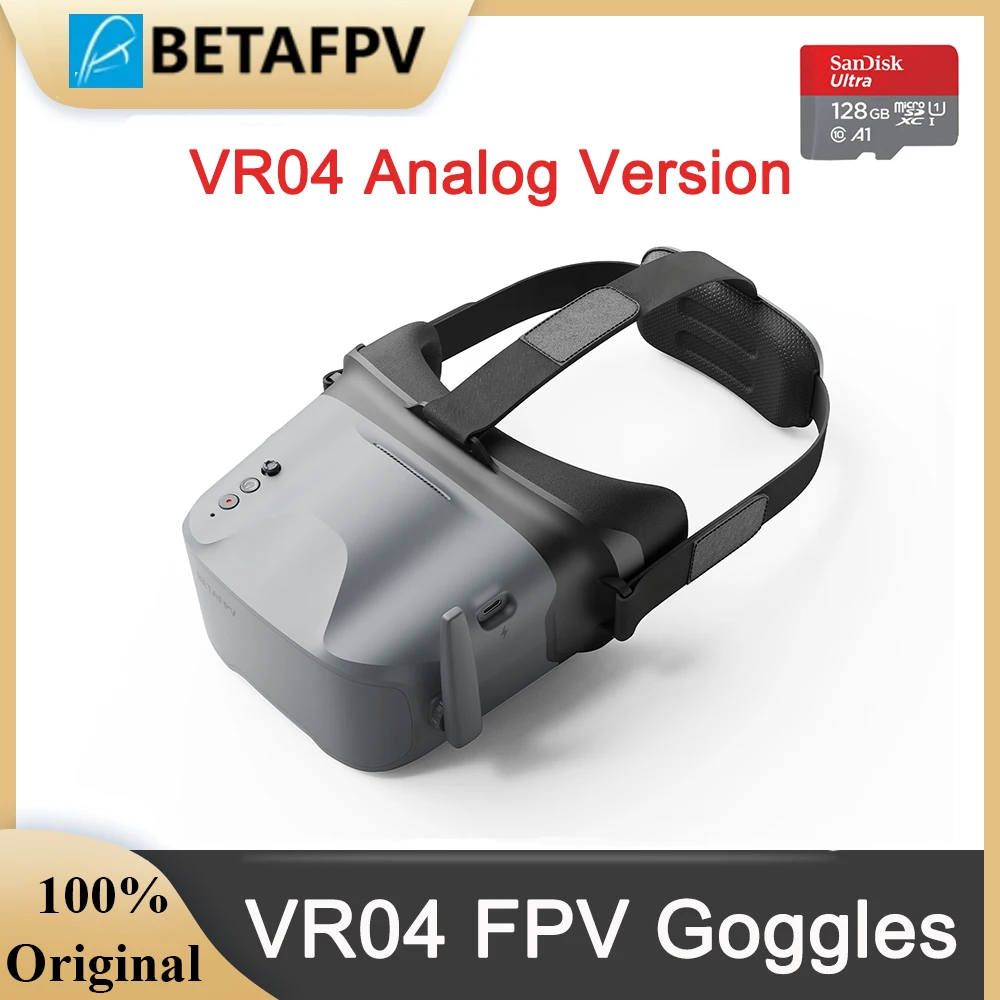
Designed for total immersion and comfort, the VR04 FPV Goggles feature a glasses-friendly design with ample space, so you never have to remove your eyewear. Enhanced with contoured face padding and a soft rubber nose bridge, they block outside light effectively while fitting securely for longer, more focused sessions. The 2000mAh built-in battery provides up to 2 hours of standby time, while one-button recording lets you effortlessly capture footage directly to a microSD card and relive your flights anytime.
Product Introduction
The VR04 FPV Goggles are an FPV video headset developed by BETAFPV, featuring the brand's signature minimalist operation and sleek design. With an ergonomic, lightweight, and comfortable build, they deliver an exceptional experience for drone enthusiasts.
Product Specifications
Bullet Points
Glasses-Friendly Fit: Spacious interior lets you wear your glasses comfortably while flying.
Full Light-Blocking Design: Contoured face padding and a soft nose bridge seal out glare for total immersion.
2000mAh Built-in Battery: Supports up to 2 hours of continuous use and can be conveniently powered by any 2–6S whoop batteries.
One-Button Recording: Instantly capture smooth footage directly to the goggles with a single press.
Button Function Introduction
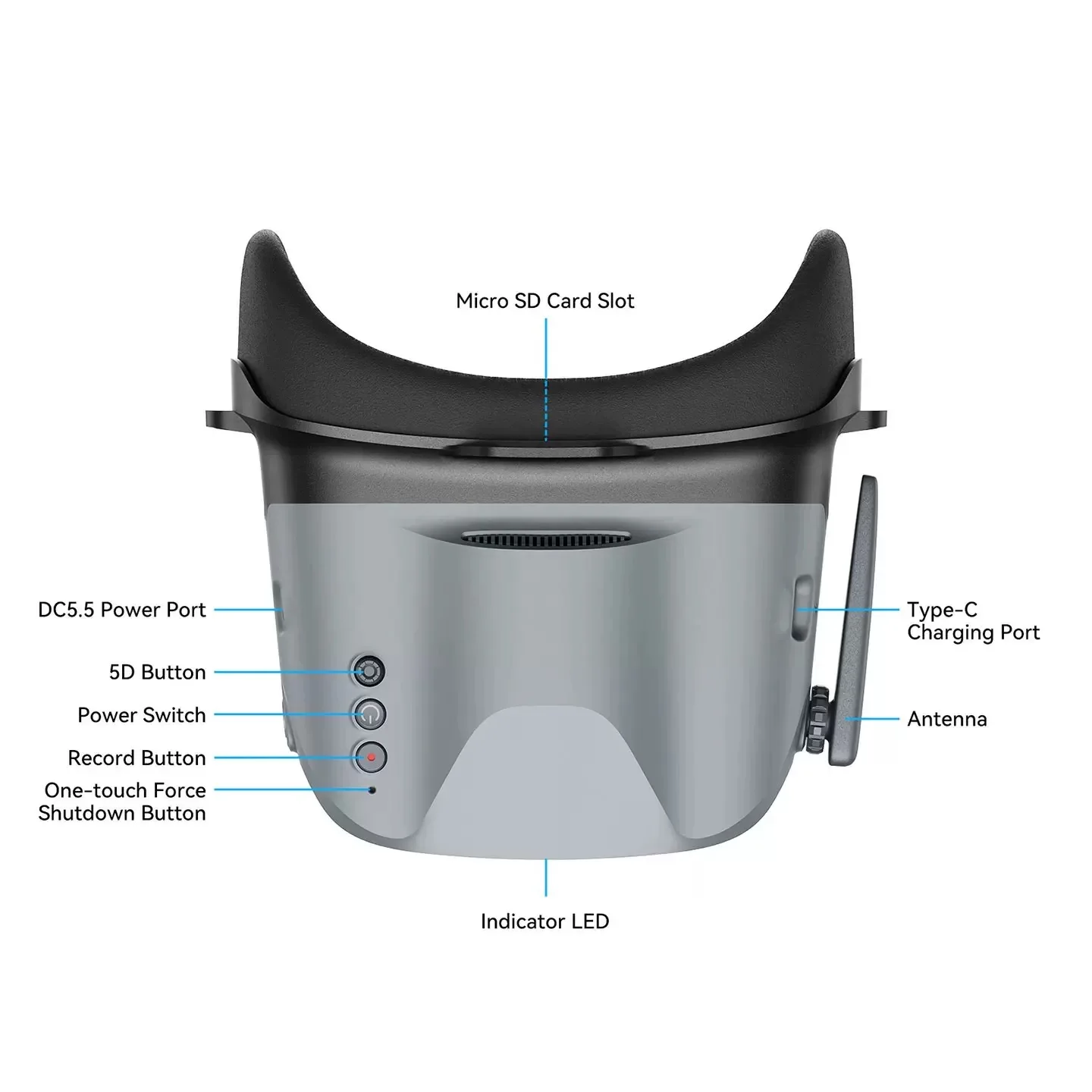
Power Button
Long press the Power button for 5 seconds to turn the goggles on or off.
5D Button
Fast Frequency Scanning: Long press the 5D button for 2–3 seconds to start frequency scanning. A prompt tone will sound after 3 seconds, and the corresponding FPV racing drone image will be displayed once scanning is complete.
Frequency Point Scanning: Short press the 5D button once to enter the frequency scanning interface. Short press again to exit.
Total Immersion & Comfort
The VR04 FPV Goggles are designed for extended-wear comfort, featuring a glasses-friendly interior that accommodates most eyewear. Premium PU face padding ensures a secure, comfortable fit, while a soft silicone nose bridge seals out external light to deliver a fully immersive flight experience.
Power Flexibility
Equipped with a built-in 2000mAh battery, the VR04 supports up to 2 hours of use on a single charge. For added flexibility, it can also be powered directly by any 2‑6S whoop battery—ideal for extended sessions or quick-swap setups.
Record & Replay
Capture each flight effortlessly with one-button recording directly to a microSD card (supports up to 64GB of storage). Relive your most thrilling moments anytime, with no extra gear required.
How to Record A Video?
Insert a microSD card into the card slot, FAT32 format only and maximum 64G;
Short press the record button once, a red dot will appear in the upper left corner. Then there will be a "beep-beep" sound from FPV goggles;
Wait for 8 seconds, the red dot and the recording LED indicator will start flashing. At the same time, a timer appears on the screen, indicating the start of recording;
To stop the recording, short press the record button once again. After 2-3 seconds, the red dot on the upper left corner stop flashing, the timer disappears, and the red record LED indicator turns off.
Notes:
- After pressing the record button, the DVR recording function will take about 8-10 seconds to be activated, please wait in patience.
- The maximum length of each recording is 10 minutes. When a recording exceeds 10 minutes, a new recording file will be created automatically.
The VR04 FPV Goggles support 5.8G and 48 channels. Press and hold the 5D button for 2-3 seconds to activate frequency search. There will be a beep after 3 seconds, and the best available frequency will be selected automatically. Signal quality of each frequency is indicated by red, yellow and green.
Green (0<RSSI<20): Frequency is available.
Yellow (20<RSSI<70): Frequency has moderate interference from another transmitter.
Red (70<RSSI): Frequency is completely in use by a transmitter.
White: The strongest signal which the goggles received in this scan.
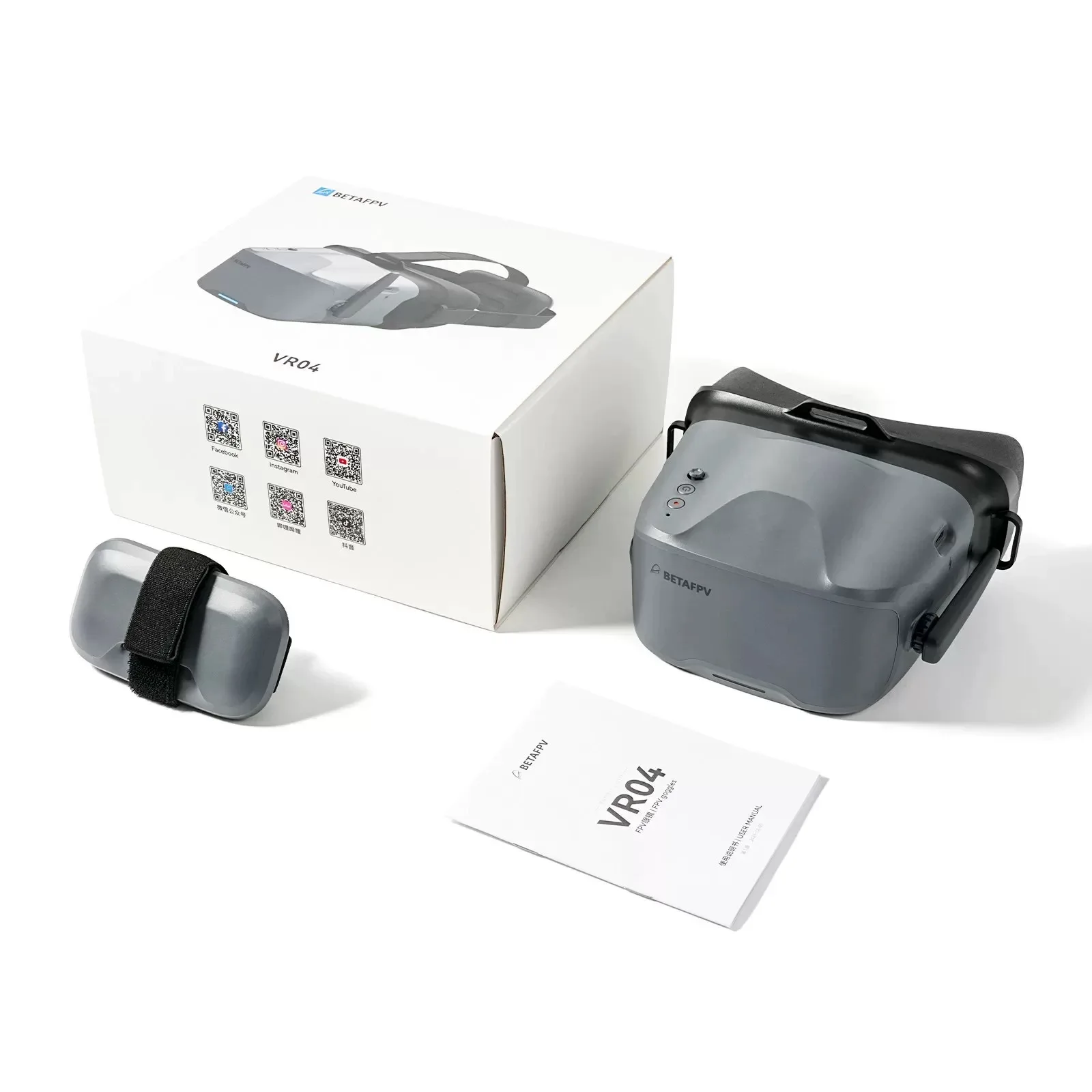
Packing list
Specifications
| Option | Values |
|---|---|
| Type |
|
Product Details

Product Introduction
Category | Parameter | Details |
Overall Specifications | Dimensions | 168.8×182.1×98.5mm |
Weight | Approx. 400g | |
Video System | NTSC/PAL | |
Supported Channels | 48CH | |
Display | Screen Size | 4.3 inches |
Screen Resolution | 800×480 | |
Power | Battery | 3.7V, 2000mAh |
Runtime (Normal Mode) | Approx. 2 hours | |
Runtime (Recording Mode) | Approx. 1 hour 10 minutes | |
Max Charging Current | 1A | |
Interfaces | Antenna Port | RP-SMA |
Charging Port | Type-C | |
Card Slot | Micro SD Card (Supports FAT system, up to 64GB, Class 10 recommended) | |
Recording | Resolution | 480P |
File Format | AVI |
Bullet Points
Glasses-Friendly Fit: Spacious interior lets you wear your glasses comfortably while flying.
Full Light-Blocking Design: Contoured face padding and a soft nose bridge seal out glare for total immersion.
2000mAh Built-in Battery: Supports up to 2 hours of continuous use and can be conveniently powered by any 2–6S whoop batteries.
One-Button Recording: Instantly capture smooth footage directly to the goggles with a single press.
Button Function Introduction
Power Button
5D Button
Fast Frequency Scanning: Long press the 5D button for 2–3 seconds to start frequency scanning. A prompt tone will sound after 3 seconds, and the corresponding FPV racing drone image will be displayed once scanning is complete.
Frequency Point Scanning: Short press the 5D button once to enter the frequency scanning interface. Short press again to exit.
Total Immersion & Comfort
The VR04 FPV Goggles are designed for extended-wear comfort, featuring a glasses-friendly interior that accommodates most eyewear. Premium PU face padding ensures a secure, comfortable fit, while a soft silicone nose bridge seals out external light to deliver a fully immersive flight experience.

Power Flexibility
Equipped with a built-in 2000mAh battery, the VR04 supports up to 2 hours of use on a single charge. For added flexibility, it can also be powered directly by any 2‑6S whoop battery—ideal for extended sessions or quick-swap setups.

Record & Replay
Capture each flight effortlessly with one-button recording directly to a microSD card (supports up to 64GB of storage). Relive your most thrilling moments anytime, with no extra gear required.

How to Record A Video?
Insert a microSD card into the card slot, FAT32 format only and maximum 64G;
Short press the record button once, a red dot will appear in the upper left corner. Then there will be a "beep-beep" sound from FPV goggles;
Wait for 8 seconds, the red dot and the recording LED indicator will start flashing. At the same time, a timer appears on the screen, indicating the start of recording;
To stop the recording, short press the record button once again. After 2-3 seconds, the red dot on the upper left corner stop flashing, the timer disappears, and the red record LED indicator turns off.
Notes:
1. After pressing the record button, the DVR recording function will take about 8-10 seconds to be activated, please wait in patience.
2. The maximum length of each recording is 10 minutes. When a recording exceeds 10 minutes, a new recording file will be created automatically.
The VR04 FPV Goggles support 5.8G and 48 channels. Press and hold the 5D button for 2-3 seconds to activate frequency search. There will be a beep after 3 seconds, and the best available frequency will be selected automatically. Signal quality of each frequency is indicated by red, yellow and green.
Green (0<RSSI<20): Frequency is available.
Yellow (20<RSSI<70): Frequency has moderate interference from another transmitter.
Red (70<RSSI): Frequency is completely in use by a transmitter.
White: The strongest signal which the goggles received in this scan.