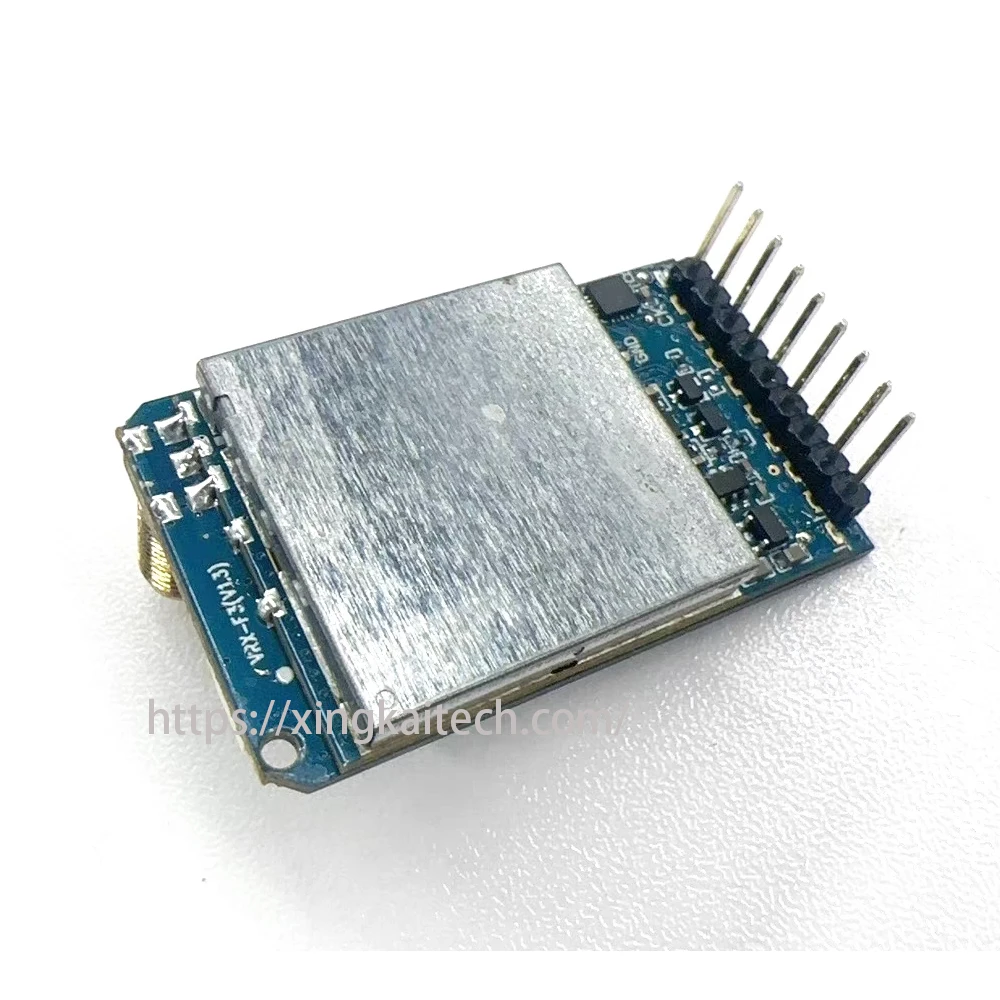
SKYZONE VRX 1,2G/1,3G VRX 9-канальный аналоговый видеоприемник FPV Голосовая функция, подключенная к любому аналоговому сигнальному дисплею для очков FPV
Description
Main Features
•Channels: 9 CH
•Supports direct connection with Fat Shark,
Sky zone, and other VR goggles head-mounted displays and simulation displays.
• High sensitivity reception:-97dBm
• Efficient DC/DC power support: 7-36V
•Supports 5V power output
• Easy touch button for quick channel switching
Product Parameters
- Receiver(Ground Station):
• Input Voltage:DC 7-36V(2-6S)
•Output Voltage : 5V/0.5A
•WGT : 18g(Accessories not included)
•Video Format:PAL/NTSC
•Channels: 9 channels
•Channel Selection: Short press to switch frequency
• Reception Frequency:1080-1360 MHz
•Sensitivity:-97 dBm(MAX)
•Antenna Interface: SMA (internal thread and hole)
• Modulation Type:FM
Transmitter Operation Adjustment Section:
1、Channel Table
CH1
CH2
CH3
CH4
CH5
CH6
CH7
CH8
CH9
1120
1160
1200
1240
1258
1280
1320
1360
1080
2、Channel Adjustment Using a Single Button
Adjust the channel by short pressing the button, as shown in the diagram below:
Channel Control
Short press the button to switch channels:
Channels
The RED
indicator light
constantly on
1
2
3
4
5
6
7
8
9
Precautions:
- Please install the antenna before connecting the power to avoid damage to the equipment.
- Select the appropriate working frequency, and ensure the transmitting and receiving ends are set
to the same frequency (see frequency table for details). • The input voltage is 7-36V (2-6S), please do not exceed this voltage range.
- The output voltage and current are 5V/0.5A. Be careful if you need to use the receiver to supply power to other devices; the working current limit is 0.5A. Exceeding this limit may damage the
receiver.
- Please do not use this product’s power output port to power other devices as it may cause damage to the receiver.
- Both the 5V and 5V-OUT are output terminals, do not connect them to the power input or battery, as this will cause damage.
Specifications
| Option | Values |
|---|---|
| Brand |
|
| Category |
|
| Wholesale Price |
|
Product Details
SKYZONE VRX 1.2G/1.3G VRX 9CH Video Analog Receiver FPV Voice Function Connected with Any Analog Signal Display For FPV Goggles
Main Features
•Channels: 9 CH
•Supports direct connection with Fat Shark,
Sky zone, and other VR goggles head-mounted displays and simulation displays.
• High sensitivity reception:-97dBm
• Efficient DC/DC power support: 7-36V
•Supports 5V power output
• Easy touch button for quick channel switching
Product Parameters
• Receiver(Ground Station):
• Input Voltage:DC 7-36V(2-6S)
•Output Voltage : 5V/0.5A
•WGT : 18g(Accessories not included)
•Video Format:PAL/NTSC
•Channels: 9 channels
•Channel Selection: Short press to switch frequency
• Reception Frequency:1080-1360 MHz
•Sensitivity:-97 dBm(MAX)
•Antenna Interface: SMA (internal thread and hole)
• Modulation Type:FM
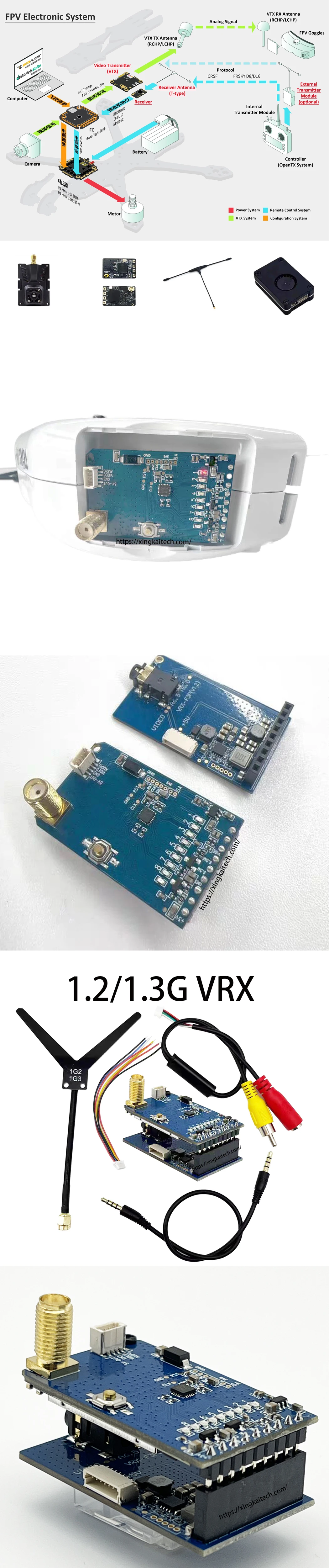
Transmitter Operation Adjustment Section:
1、Channel Table
CH1 | CH2 | CH3 | CH4 | CH5 | CH6 | CH7 | CH8 | CH9 |
1120 | 1160 | 1200 | 1240 | 1258 | 1280 | 1320 | 1360 | 1080 |
2、Channel Adjustment Using a Single Button
Adjust the channel by short pressing the button, as shown in the diagram below:
Channel Control Short press the button to switch channels: | |||||||||
Channels | CH1 | CH2 | CH3 | CH4 | CH5 | CH6 | CH7 | CH8 | CH9 |
1120 | 1160 | 1200 | 1240 | 1258 | 1280 | 1320 | 1360 | 1080 | |
The RED indicator light constantly on | 1 | 2 | 3 | 4 | 5 | 6 | 7 | 8 | 9 |
Precautions:
• Please install the antenna before connecting the power to avoid damage to the equipment.
• Select the appropriate working frequency, and ensure the transmitting and receiving ends are set
to the same frequency (see frequency table for details). • The input voltage is 7-36V (2-6S), please do not exceed this voltage range.
• The output voltage and current are 5V/0.5A. Be careful if you need to use the receiver to supply power to other devices; the working current limit is 0.5A. Exceeding this limit may damage the
receiver.
• Please do not use this product’s power output port to power other devices as it may cause damage to the receiver.
• Both the 5V and 5V-OUT are output terminals, do not connect them to the power input or battery, as this will cause damage.